Rent V2Property operations Sign in
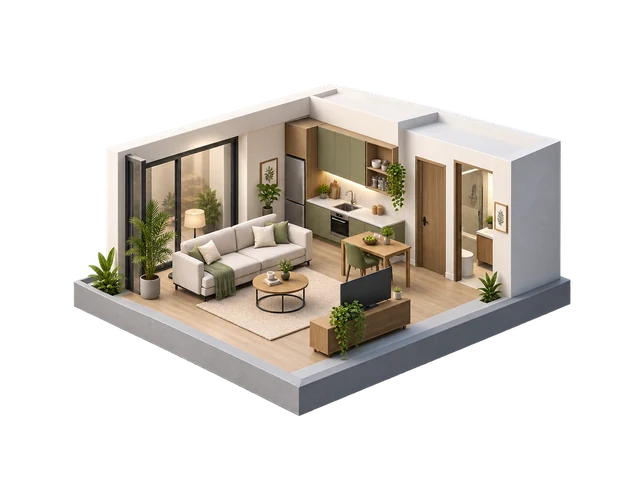
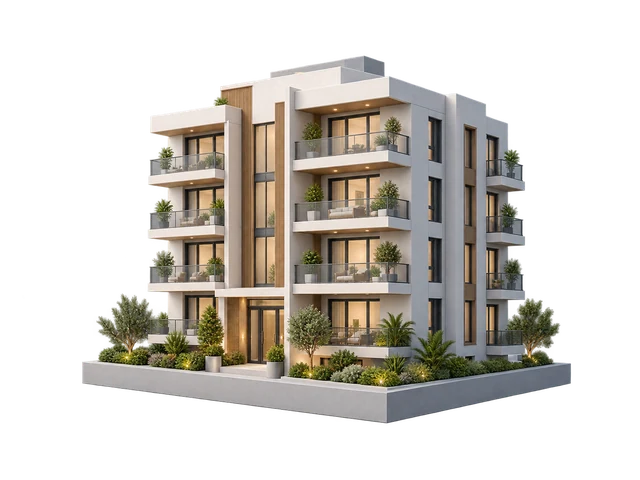
Modern residential rental property in Bahrain

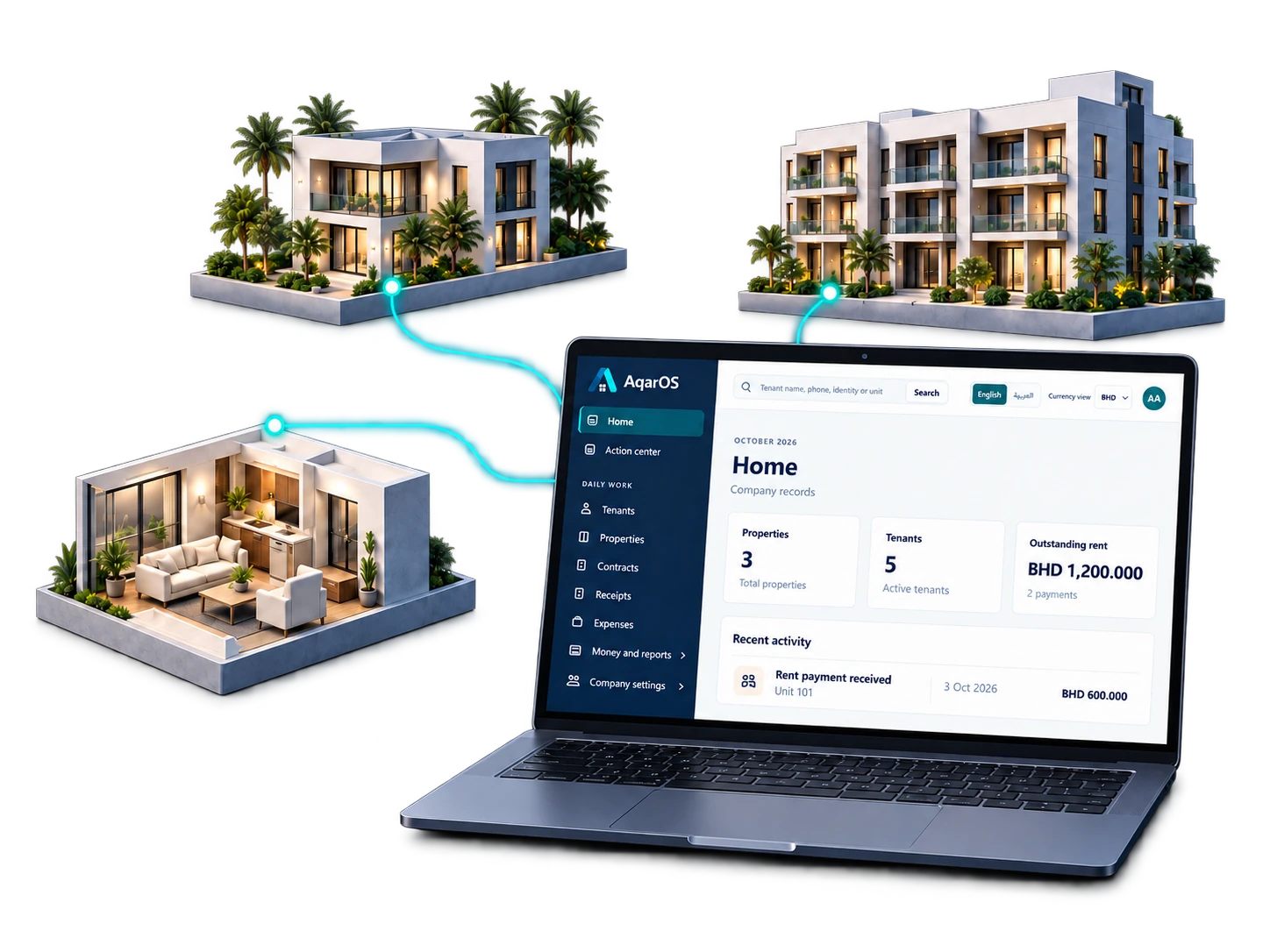
Property management software for Bahrain

Rent V2

Rent operations, made clear.

Manage tenants, properties, rent collection, expenses, banking, leases, and reporting from one company-scoped workspace.

  • Company and personal workspaces
  • Users.life secure identity
  • BHD-ready financial reporting

One workspaceTenants, units, money, and documents

Clear controlsRoles, approvals, and company boundaries

Less re-entryUse existing property and tenant data

Traceable numbersPublic No values for daily documents

A working operations view

See what needs attention. Act without hunting.

Rent V2 keeps occupancy, collections, expenses, approvals, and outstanding rent together so daily work starts with the right context.

Search tenants, CPR, unit Janahi Properties
August 2026Dashboard
New receipt
Approved incomeBHD 18,420.000Rent and Other Income
Outstanding rentBHD 1,120.0004 tenants need follow-up
Occupancy94.0%47 occupied, 3 vacant
Net positionBHD 14,160.000After approved expenses
Highest outstanding rentFull report
TenantPropertyApprovedBalance
Mariam AliT-1042B-101 / 14BHD 560.000BHD 280.000
Ahmed HassanT-1008B-305 / 08BHD 320.000BHD 320.000
Layla SalmanT-1025B-410 / 02BHD 650.000BHD 520.000

Built around the rent lifecycle

From an available unit to a reconciled payment.

01

Properties and units

Track buildings, occupancy, unit status, rent value, and full property details.

02

Tenants and leases

Keep tenant profiles, contracts, attachments, rent periods, and end-rent history together.

03

Receipts and allocations

Record rent once, allocate months clearly, and preserve a printable public receipt number.

04

Expenses and Other Income

Capture company activity with approval status, attachments, and property context.

05

Banking and cheques

Manage accounts, deposits, withdrawals, cheque tracking, cancellations, and reconciliation.

06

Reports and controls

Review income, expenses, balances, occupancy, and tenant registers inside the active workspace.

A short path to useful work

Sign in. Choose a workspace. Continue.

Your Users.life identity stays separate from rental data. Rent V2 opens only the company or personal workspaces where you have active access.

Continue with Users.life
  1. 1
    Use one secure account

    Sign in or create your Users.life account through the hosted identity portal.

  2. 2
    Select your workspace

    Choose the company or personal portfolio you want to manage.

  3. 3
    Work with the right context

    Every screen, number, role, and report stays scoped to that workspace.

Designed to reduce avoidable errors

Clear where it matters.

Workspace boundaries

Company data, document numbers, permissions, and reports remain organization-scoped.

Role-based access

Owners can assign focused roles, suspend access, and protect critical administration actions.

Traceable decisions

Approval states and audit history make financial changes easier to review and compare.

Common questions

Before you begin.

Can I manage more than one company?

Yes. One Users.life account can belong to multiple company or personal workspaces. You select the workspace after sign-in.

Does Rent V2 support Bahrain dinar?

Yes. Financial screens and reports support BHD values with three-decimal precision.

Can I add staff with different roles?

Yes. Workspace owners and administrators can add users and assign focused roles for property, receipt, expense, accounting, or read-only work.

Where do I create my account?

Account creation and sign-in are handled securely by Users.life. Rent V2 receives your verified identity and opens your available workspaces.

Ready to enter your workspace?

Bring rent operations into one clear system.

Sign in or create account